Turn your resume into a complete LinkedIn profile, free, with our AI profile builder.
Free LinkedIn Profile Generator
No email.·100% free.·Done in about a minute.
Upload your CV and the profile builder writes your full LinkedIn profile from it: your name, headline, About, experience, education, certifications, and languages. Edit anything you want, copy it across to LinkedIn, and you're done.
+ Pro tip: pair your new profile with professional headshots
How the LinkedIn Profile Generator works
Your resume already holds your whole career: titles, dates, companies, the skills you've built.
Jordan Avery
Marketing
Senior Marketing Manager
Eight years building demand-gen and brand for B2B SaaS.
Northbeam Software, 2021 to present
Senior Marketing Manager, Demand Gen and Brand
Marketing leader who turns funnels into predictable pipeline.
Northbeam Software, 2021 to present
The LinkedIn Profile Generator reads your resume instead, and turns each part into the matching LinkedIn field. Your current role becomes a headline. Your summary and history become an About section. Your jobs, schools, certifications, and languages slot into place. It's a LinkedIn profile creator that starts from your real experience, not a blank prompt, so the AI LinkedIn profile you get back reads like you.
Every line is yours to change. Rewrite the headline, trim a role, reword the About section, then copy it across to LinkedIn. The tool is free. No account, no email.
How to create your LinkedIn profile from your resume
Upload your resume (PDF).
Use your most recent version. Whatever's on it is what the AI works from, so include everything you want on your profile.
The AI writes your profile.
It pulls your headline, About, experience, education, certifications, and languages out of the resume. About a minute, start to finish.
Copy it to LinkedIn.
Read each section, tweak anything you'd word differently, paste it into your profile, and save.
See what it writes
A resume goes in. A complete LinkedIn profile comes out: headline, About, and experience, ready to edit.
Jordan Avery
About
Experience
Jordan Avery
Senior Marketing Manager · Demand Gen and Brand
About
Marketing leader with eight years building demand-gen programs and brand systems for B2B SaaS. I turn fragmented funnels into predictable pipeline, pairing paid acquisition with lifecycle and content. Most energized when a clear story moves a number.
Experience
Senior Marketing Manager
Northbeam Software
2021 - Present
Built the demand-gen engine from scratch and grew sourced pipeline 3x in two years.
Marketing Manager
Lumen Labs
2018 - 2021
Owned brand and content, launching a category narrative that lifted inbound demos.
How to create a LinkedIn profile, step by step
A strong profile is really seven sections done well. Here's what each one needs, and the fastest way to get it written.
Photo
Your photo is the first thing anyone opens. Use a current, professional headshot with your face clearly lit and centered, not a cropped photo from an event. No studio-quality shot on hand? Generate one with the Free Headshot Generator , or get a full set from our AI headshot generator .
Headline
Your headline follows your name everywhere on LinkedIn, so go past your job title: say what you do and who you do it for. Want it written for you? The LinkedIn Headline Generator does it in seconds.
About / summary
This is your one chance to tell your story in your own voice. Three short paragraphs work well: what you do, what you've done, and how to reach you. The LinkedIn Bio Generator drafts it from a few details.
Experience
List your roles newest first. For each one, add a line or two on what you owned and the results you drove. Numbers land harder than adjectives. This is exactly the part the generator above pulls straight from your resume.
Education and certifications
Add your degrees and any current certifications. Recruiters filter on both, so keep them complete and up to date.
Skills
Add the skills that match the roles you want, then reorder so your top three sit first. They show on your profile by default. Ask a few colleagues to endorse them.
Recommendations
Two or three specific recommendations from people you've worked with carry more weight than a long skills list. Ask recent colleagues or clients, and offer to write theirs in return.
Want to skip the blank page? Upload your resume at the top and the generator fills in your headline, About, experience, and more in about a minute. From there, you just polish.
Frequently asked questions
Quick answers about the free tool, your privacy, and using what it writes.
Is it really free? Is there a catch?
Yes, it's 100% free. No account, no email, no limit on how many times you run it.
Can AI write my whole LinkedIn profile?
Yes. From your resume, the tool writes your headline, About, experience, education, certifications, and languages: your full profile, ready to copy across to LinkedIn.
Can I edit what the AI writes?
Always. Everything it produces is plain, editable text. Reword the headline, cut a role, rewrite a sentence, then paste it into LinkedIn. The AI gives you a strong first draft. The final version is yours.
Is my resume saved?
You don't need an account or email to use the tool, and nothing is posted to your LinkedIn. The generator only reads your resume to write your profile text.
Can I use the profile it writes for my own LinkedIn?
Yes. The text is yours. Edit it, paste it into your profile, and use it however you like.
I want people to download my actual resume file from LinkedIn. How?
Easy. Add it to your Featured section:
- Open your LinkedIn profile.
- Click "Add profile section."
- Choose "Add featured."
- Click the plus (+) and select "Add media."
- Select your resume and click "Upload."
Visitors can then view and download it from the Featured section of your profile.
Where can I get a professional photo for LinkedIn?
HeadshotPro turns a few selfies into studio-quality headshots in under an hour, for hundreds less than a photographer. Start with the AI headshot generator .
More free tools
Build out the rest of your profile. Each one is free, no email.

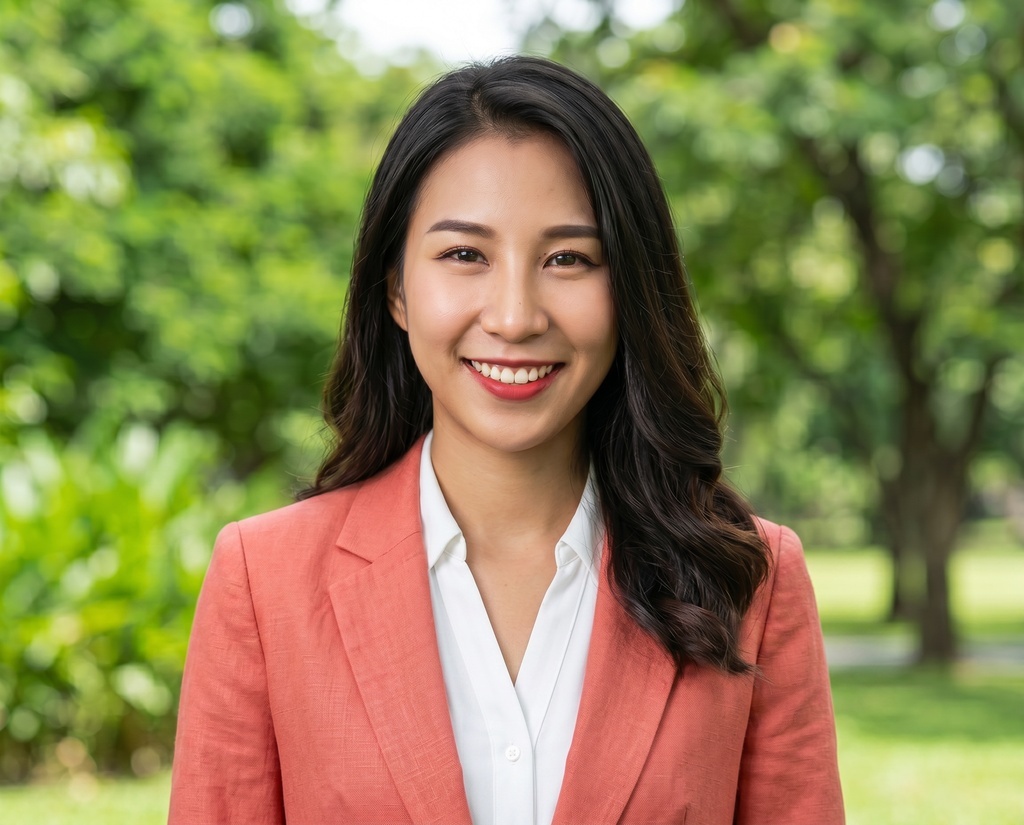


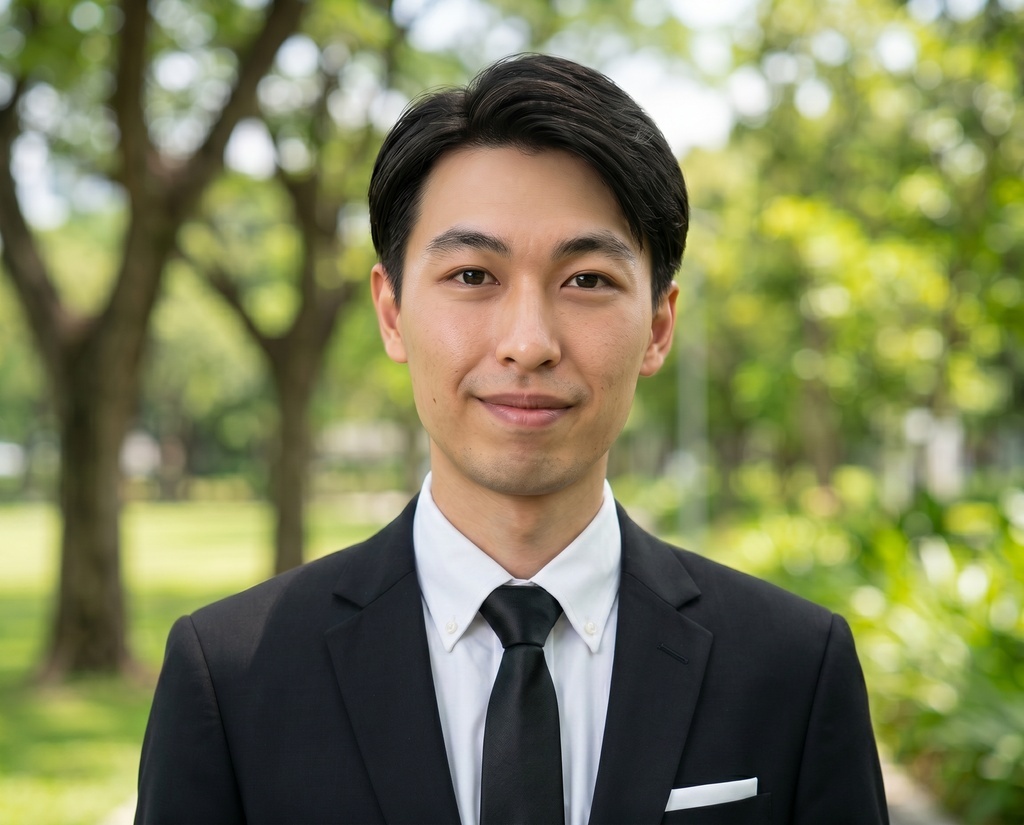
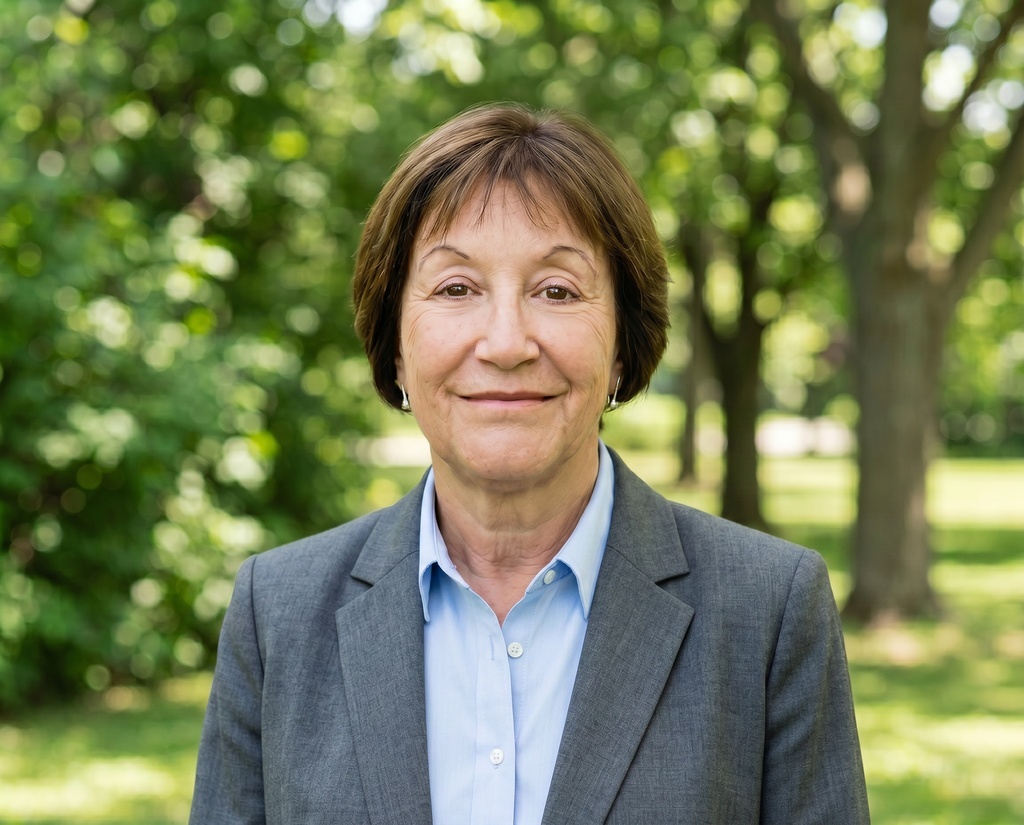
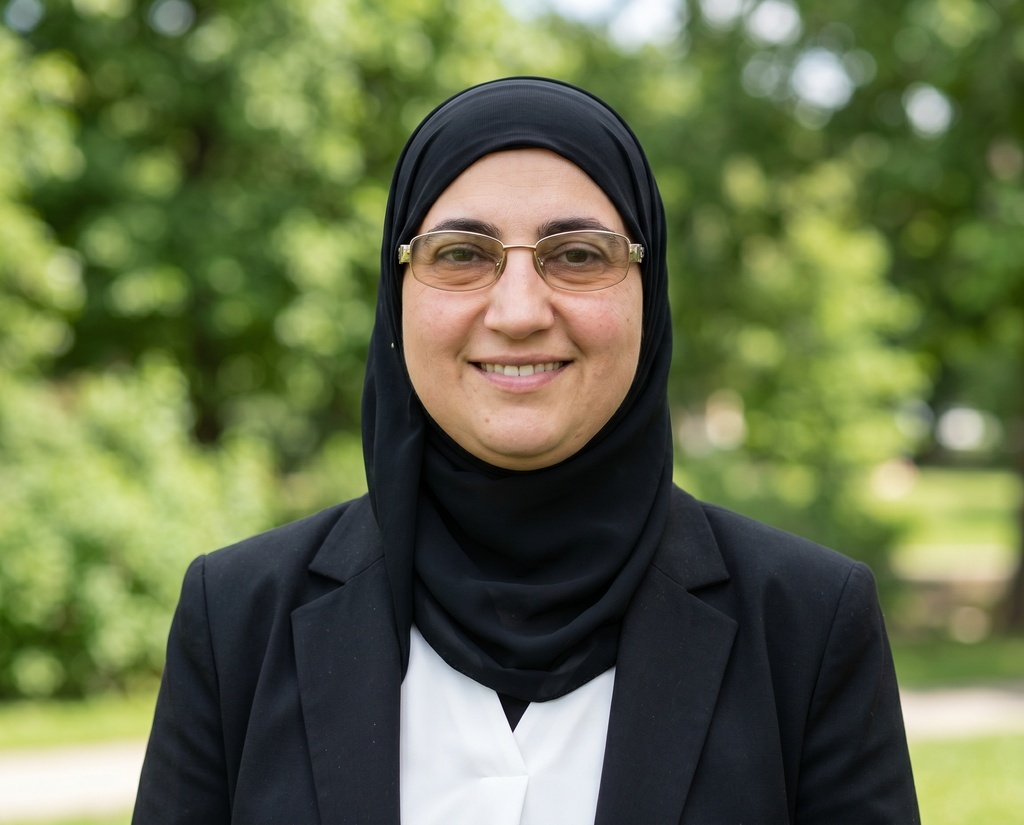
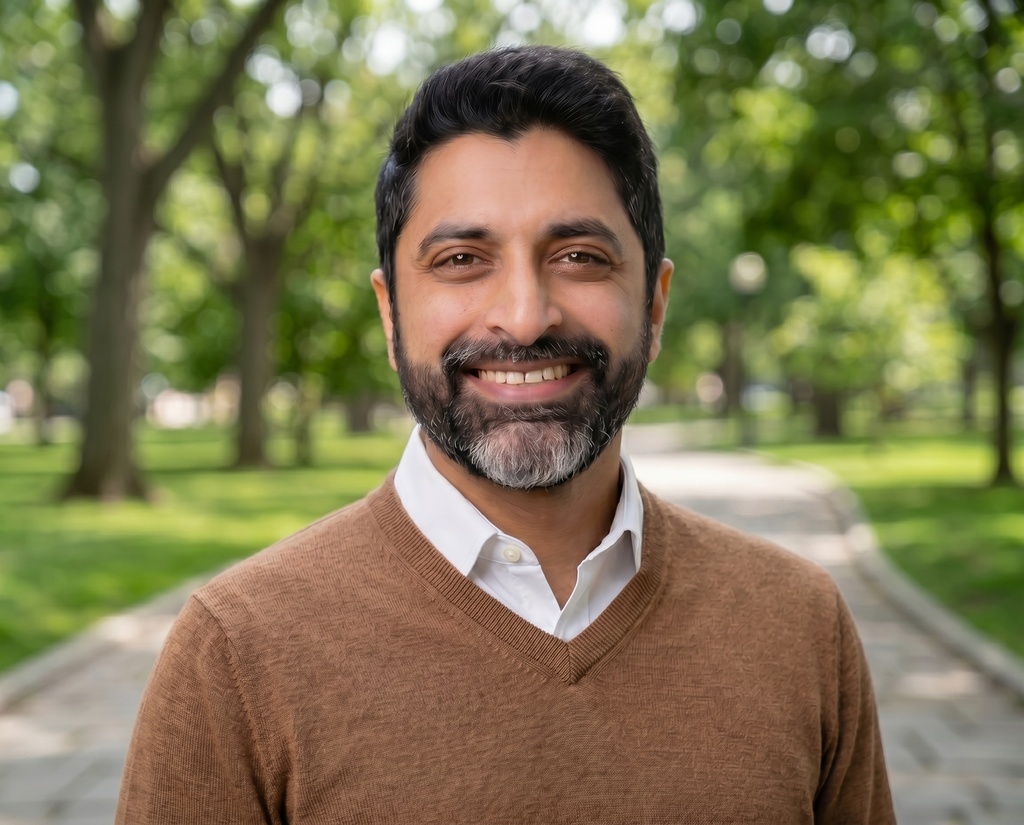


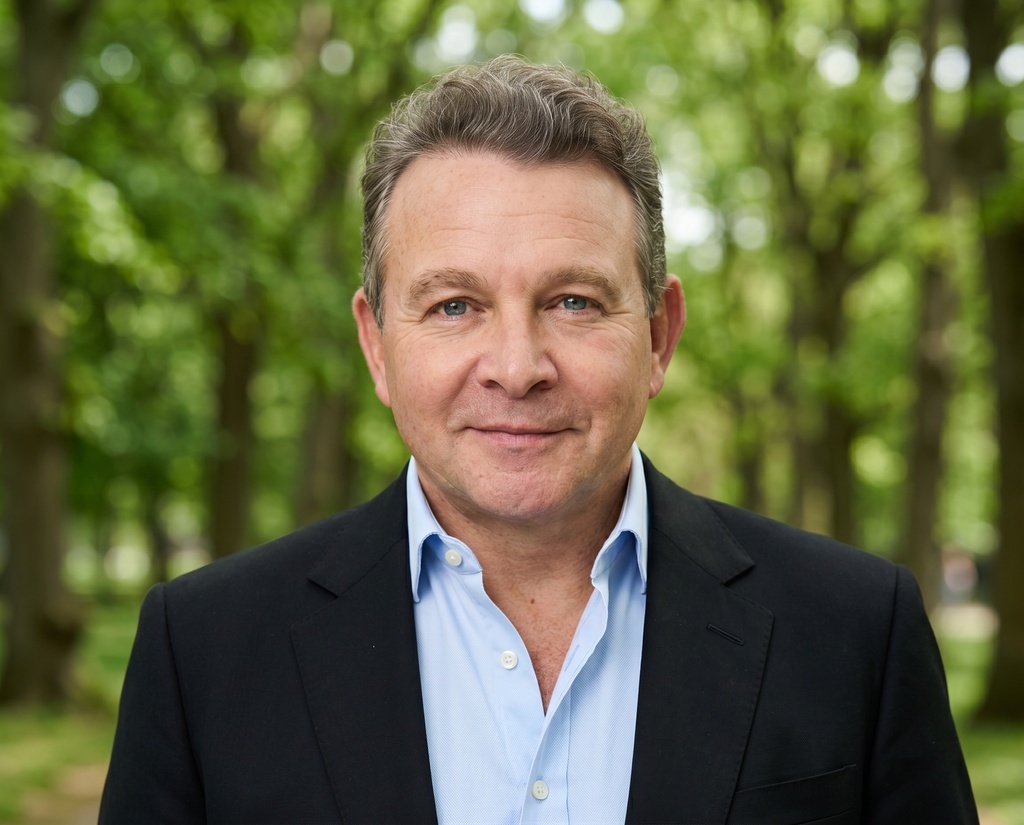
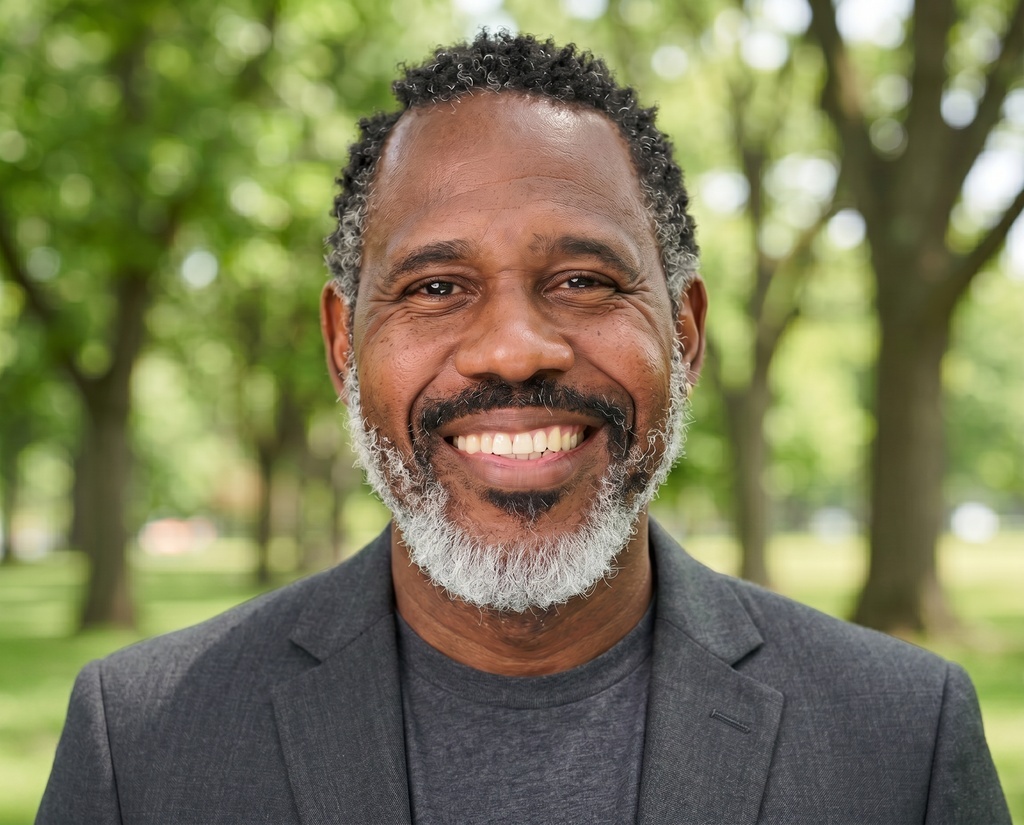
Your profile's written. Now the photo.
A LinkedIn photo is the first thing a recruiter opens. Get a studio-quality headshot that looks like you, from a few selfies, with no photographer, no studio, and no half-day off work.
18M headshots created for 200K+ professionals